A film can have the right language options on your phone and still surprise you when you open it on the living-room TV. The TV may be using a separate streaming device, the selected edition may have a different audio track, or the subtitles may be too small to read from the back of the room. A short rehearsal with the actual TV, title and remote catches those problems while there is still time to change the plan.
Find Out What Is Running the App
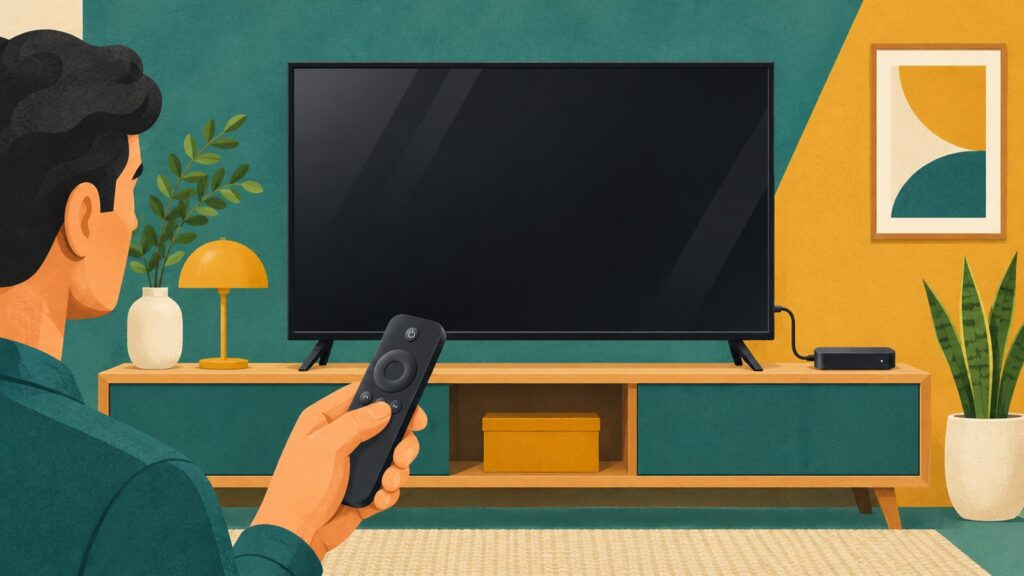
Start with the TV’s input menu. If you usually choose HDMI to get to your streaming apps, the box or stick on that input is running them. If you launch everything from the TV’s home screen, the television itself is running them. Write down which device you’ll use and, if you have two remotes, put the one that controls playback where the host can reach it.
The Portuguese-language Cinegato page groups its TV setup information by device. When consulting a guide like this, match it to the model and operating system that will actually play the film. A TV brand alone may tell you very little about the software on a connected stick, and a guide for the stick does not automatically apply to the television.
If your search brings up Unitv apk, its page is a Portuguese-language guide to downloading and installing an Android package. For planning purposes, that is a clue to check the device’s operating system before assuming the same setup will work on the TV. When you already have a service that plays the film and offers the required tracks on your equipment, start there.
Choose Audio and Text Together
Ask two quick questions when you pick the film. Which language would everyone be comfortable hearing, and does anyone need on-screen text to follow the dialogue or important sounds? A household might choose Portuguese audio and English subtitles when some viewers follow the spoken Portuguese and others prefer to read in English. If a viewer also needs sound cues, look for English closed captions, often labelled CC, or an English subtitles-for-the-deaf-and-hard-of-hearing track, often labelled SDH.
Open the audio and text menu inside the feature itself. Check the language of each track separately. A title description that says “Portuguese” might be referring to the audio, the subtitles or even the language of the listing. If the options include regional variants, ask which one your viewers prefer. If a preview is the only thing you have played so far, confirm the choices once you open the full film.
Test From the Farthest Seat
Watch a short stretch that contains a quiet conversation and some background sound. Sit in the seat farthest from the TV and read a few full lines. If the text blends into the picture, try a more visible subtitle style where the player allows it. A solid or shaded background can make letters easier to read over bright scenes. If the controls are limited, move the seat a little closer before moving on to a different title.
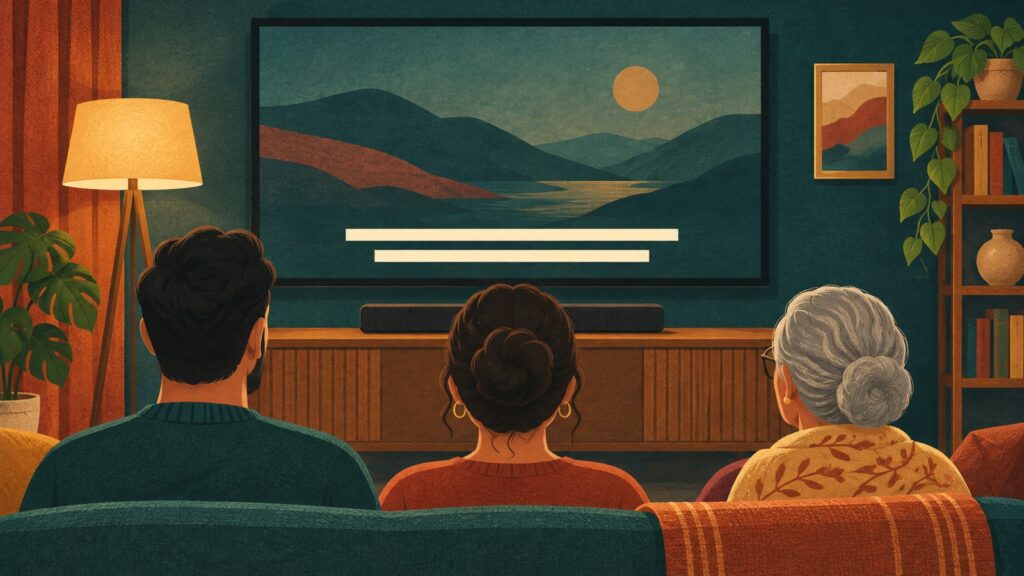
Check sound from the same seat. Set the volume with ordinary dialogue, then listen through a busier scene. If the speech seems to come from the television when you expected it from a soundbar, confirm which speakers are active. If your equipment offers a dialogue or night mode, compare a short stretch with the mode on and off and keep the setting that makes voices easiest for the group to follow.
Pause, resume and reopen the playback menu before the test ends. A second person in the room should be able to find the track settings with the same remote. Leave the film paused at the start once the setup works, or write down the input, service and track choices so the next person can restore them quickly.
Keep a Backup Everyone Can Follow
Choose a second film while you still have time to check its tracks. If the first title lacks the required text track, a backup with the right languages can save the evening. If the title is fine but an app is struggling on one device, try a compatible device you already use and test the film there before asking everyone to change seats.
Use this quick checklist just before people sit down:
- The TV is on the right input and the playback remote is nearby.
- The full film opens on the chosen device, with the agreed audio and text tracks.
- Someone has checked the dialogue and subtitles from the farthest seat.
- A second title is ready if the first one fails a check.
If one item is still unresolved when the room fills up, say which one. “This version has Portuguese audio but only Spanish subtitles” gives everyone enough information to decide whether to switch to the backup. You can make that call together before the opening scene.